A DaisyDisk alternative for Mac
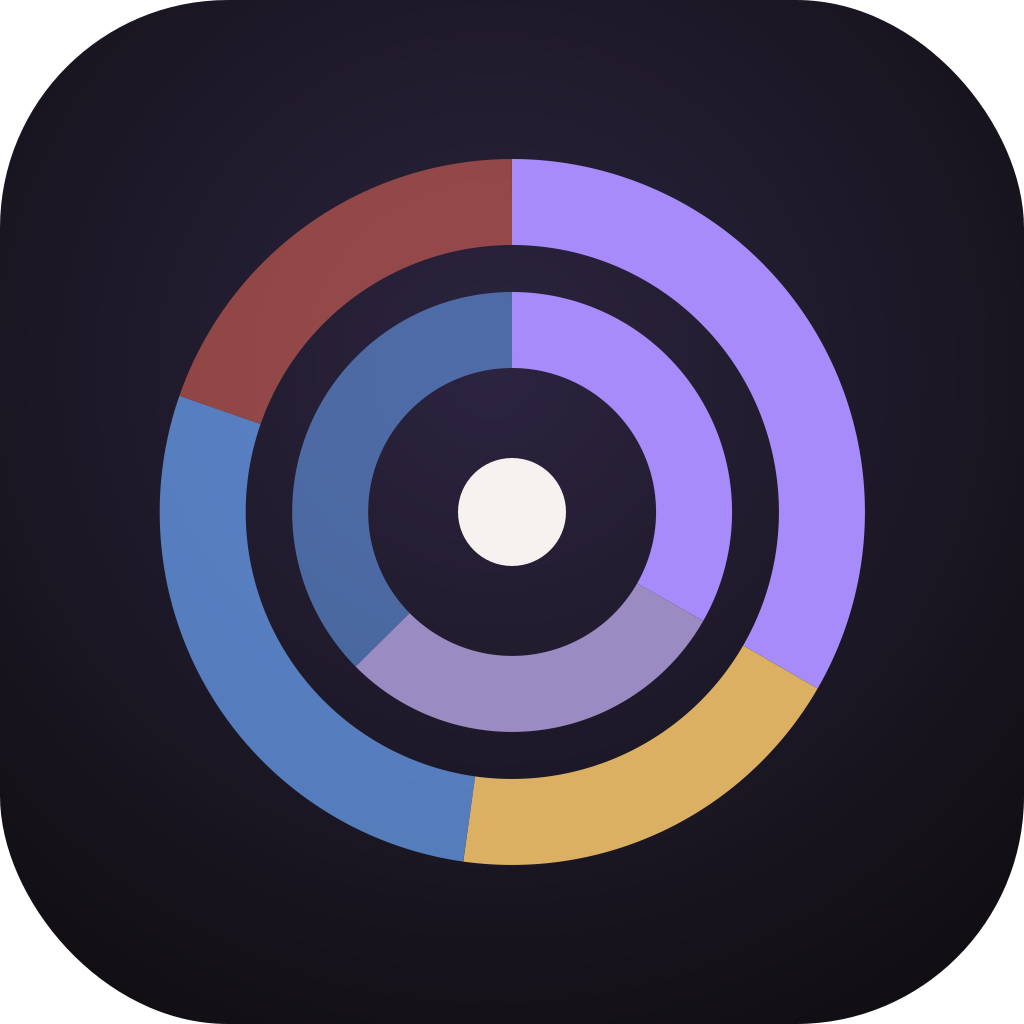
DaisyDisk draws a sunburst of your disk. Sift does that too — then it finds the duplicates, the stale downloads and the iOS backups, and watches free space in the menu bar so you know before you run out.
A three-ring sunburst you can click into, plus fixed size bands when you want the large files first and everything else folded away.
Smart categories: large & old files, downloads clutter, iOS backups, developer junk. Byte-for-byte duplicates. A menu bar watch.
Reviewed and notarized by Apple. Scanning and browsing stay free forever, so you can compare it on your own disk.
Sift, DaisyDisk and CleanMyMac
Common questions
Is Sift a DaisyDisk clone?
No. Both draw a sunburst because that is how a disk becomes readable in one glance. Sift then keeps going: duplicates, smart categories, a menu bar watch, and a locked-by-macOS row so totals still match Finder.
DaisyDisk is a one-time purchase. Why is Sift yearly?
$19.99 a year, one plan, Family Sharing included. Scanning and browsing are free forever. Purchases are billed by Apple; cancel any time in App Store settings.
Can I try Sift before paying?
Yes. Scan the volume, read the map, open any folder. You pay only when you want to move things to the Trash or use the paid categories.